Web component, zero dependencies
A tiny friend that watches your page.
peekpal follows the cursor, reacts when you poke it, naps when nobody is around and looks away when you type a password. One tag, in plain HTML, React, Vue or Svelte.
Move your mouse around. Poke Mochi the cat. Then leave it alone for 15 seconds.
Playground
Every button calls the real API. Set the nap timer to 3 seconds and keep still to watch it doze off.
Click it four times, fast.
// poke it, or press a button
- events show up here
Gallery
Tap a pal to bring it to the whole page, then try it in another style. Copy the snippet when you find the one.
Mochi the cat
The face of peekpal. Curious, a little nosy, terrible at keeping secrets.
Lloyd
Messy hair, sharp eyes, a coat he never takes off. Flusters easily.
Milo the squirrel
A cute chibi squirrel. Submitted by @rakshith-gpu.
Pikachu
Pika pika. Submitted by @gamandeepsingh.
Styles
The same 18 frames through one filter each, with tools/stylize.py. No new drawing.
Make your own
Any character works, from your own drawings. Read the drawing guide or start from the image prompt.
- 1
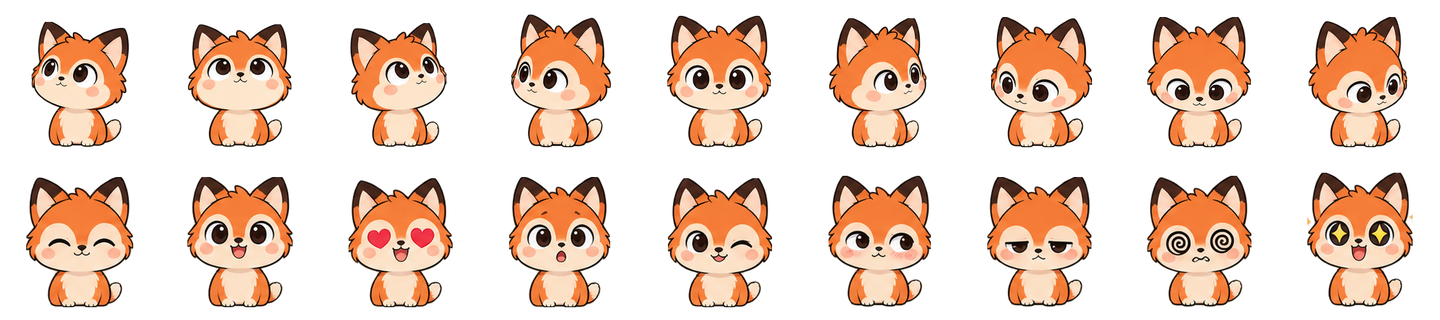
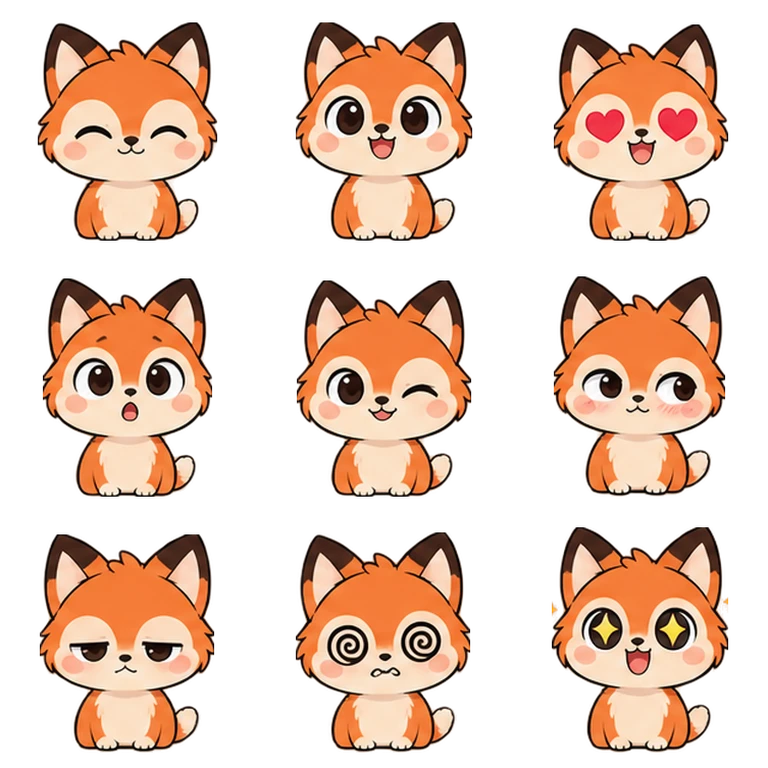
Draw 18 frames
Nine directions and nine moods, same canvas, same body, transparent background. Only the head and face change. Hand-drawn or generated, both work.
- 2
Build the sheets
One Python script with Pillow. It checks every frame, crops them all to one shared box so nothing jumps, and tells you if the feet drift.
- 3
Point the tag at them
Two webp files, one tag. No canvas, no WebGL, no API key.
# a generated sheet? slice it into frames first
python tools/slice-sheet.py art/mochi --composite sheet.png

# 18 PNGs in, two sprite sheets out
python tools/build-sheets.py art/mochi --out public/pals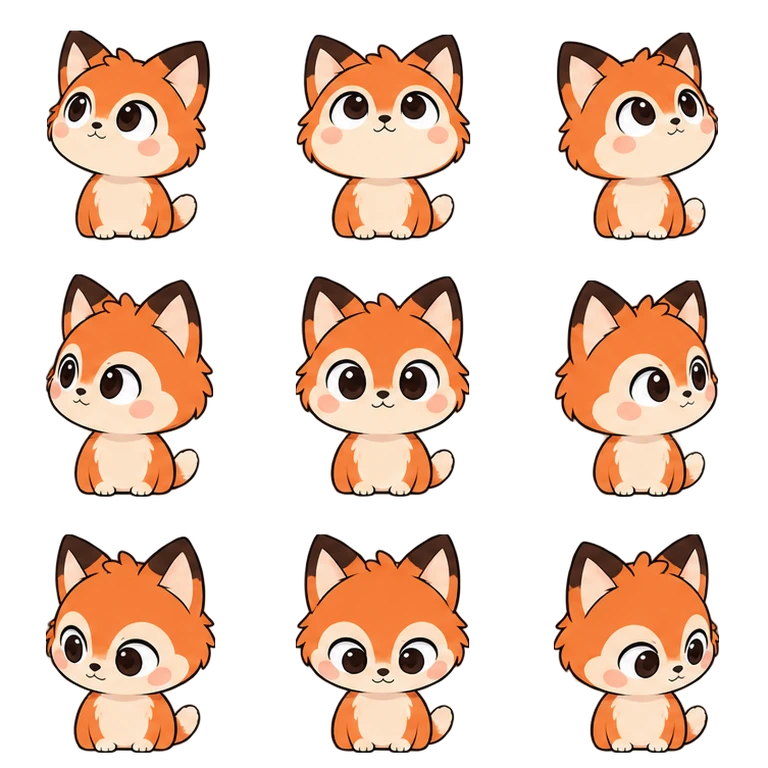
API
| Attribute | Default | What it does |
|---|---|---|
| poses | required | URL of the poses sheet |
| moods | required | URL of the moods sheet |
| size | 140 | Width and height in px |
| label | "mascot" | Used in the accessible name, "Poke the {label}" |
| sleep-after | 15000 | ms without activity before it naps. 0 never naps |
| watch-fields | on | Set to "off" to stop it looking at focused inputs |
| celebrate-on-submit | on | Set to "off" to stop it celebrating form submits |
const pal = document.querySelector('peek-pal')

pal.react('love')          // any mood, 600 ms by default
pal.lookAt(x, y)           // page coordinates
pal.lookAt(null)           // back to the cursor

pal.addEventListener('peekpal:poke', (e) => e.detail.count)
pal.addEventListener('peekpal:sleep', nap)
pal.addEventListener('peekpal:wake', hello)import { PeekPal } from 'peekpal/react'
<PeekPal
poses="/pals/cat-poses.webp"
moods="/pals/cat-moods.webp"
size={140}
/>On its own it also watches the page: it looks at the field you are typing in, turns away from password fields and celebrates when a form is submitted. Touch screens get a still, centred pal that still answers taps, and reduced motion turns off the bounce and the breathing.